
Can ChatGPT Edit Text in an Image? What Changes With a Dedicated Editor
Yes, ChatGPT can change the words in an uploaded image, but it regenerates the picture instead of editing letters. Here is how it works, what to check, and when a region-based text editor is the better fit.
Short answer: yes. You can upload a picture to ChatGPT, ask it to change the wording, and get an edited image back. But ChatGPT does not edit letters the way a text box does. It generates a new version of the image, or of the area you highlight, so spelling, letter shapes and nearby details can change along with the words.
That makes ChatGPT a reasonable choice for casual or creative edits. When everything except the words has to stay put, such as a poster date, a product label or a price, a workflow built around one selected text region and a careful review usually serves you better. This article explains both, using OpenAI’s own documentation where it describes ChatGPT’s behavior.
How ChatGPT edits text in an image
According to OpenAI’s help center, you can edit an uploaded image in two ways: select part of the image with the selection tool and describe the change, or skip the selection and describe the edit in the conversation. ChatGPT Images is available on all ChatGPT tiers. (OpenAI Help Center: Images in ChatGPT, checked 2026-10-11)
The same page includes an important caveat about the selection tool:
“Highlights are not always precise, and edits may extend beyond the area you selected.”
In practice, that means a request like “change SUMMER to AUTUMN” can also touch the letters next to it, the texture behind them, or other text in the image.
OpenAI’s image-generation guide gives prompt advice that applies to any text edit: put the exact text in quotation marks, preserve the capitalization you want, describe the font style, size, color and placement, and state whether any other text is allowed. For “dense copy or production-critical typography,” it recommends reviewing every word and finishing the asset in a design tool when needed. (ChatGPT docs: Image generation, checked 2026-10-11)
A ChatGPT prompt that tends to work better
In the uploaded image, replace only the word "SUMMER" with "AUTUMN".
Keep the same font, weight, color, size and position.
Do not change any other text, the background, or the layout.
Even with a precise prompt, check the result at full size before you use it.
What a dedicated text editor changes
Our editor uses an OpenAI image model too (GPT Image 2.0, accessed through the API). So we won’t claim the letters come out better than they do in ChatGPT, because the model family is the same. What differs is the workflow around the model:
- One region, one replacement. You draw a box around the words and type the replacement. If a region is selected, typing the original wording is optional.
- The unmarked original is the edit target. The editor sends the clean image as the thing to edit, plus a second, annotated copy that marks the selected region, so your box marks are not part of the image being edited.
- A cost estimate before you generate. The editor shows the credit estimate first. A 1K edit is currently estimated at 10 credits, and each revision is a new task.
- A review step built into the instructions. After each edit, the guidance asks you to check spelling, letter shapes, baselines, shadows and the surrounding image before downloading.
None of this guarantees a perfect result. Exact font recovery and pixel-identical preservation are not guaranteed with our editor either.
One recorded example
On 2026-09-08 we ran one edit on a sample poster: SUMMER SALE to AUTUMN SALE, GPT Image 2.0, 1K, 4:3, 10 credits. The wording changed as requested; some edges and textures around the edit also changed. It is a single sample, not a benchmark or a success rate.

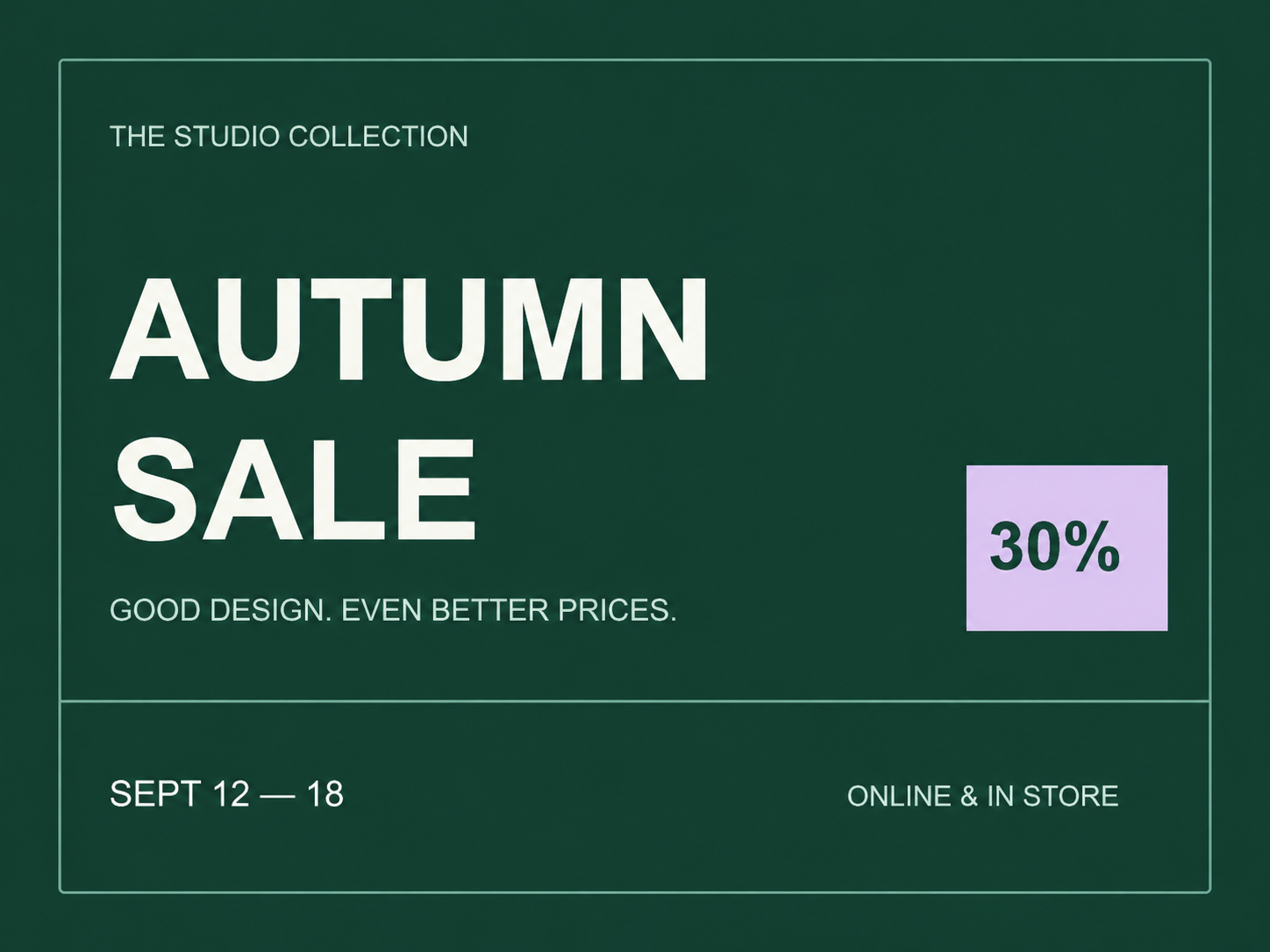
The recorded prompt, settings and review are in the public provenance record.
OCR tools vs AI text editors
People often mix these up. They solve different problems:
- OCR tools read the text in an image and give you text you can copy. The image itself does not change.
- AI text editors change the picture. You get a new image with different words in it, not a text file.
Our image translator works the second way: one AI image edit detects, translates and redraws the text in place. There is no separate OCR step and no text transcript, so if you need copyable text, use a dedicated OCR tool.
Which to use when
| Situation | ChatGPT | Region-based text editor | Photoshop or the design file |
|---|---|---|---|
| Quick, casual change on a social image | Good fit | Good fit | Overkill |
| Only the words may change, everything else must stay | Possible, check carefully | Better fit; still review | Best if you have the layered file |
| Several lines or dense copy | Risky | Edit one region at a time | Best |
| Licensed brand font or print production | Not recommended | Not recommended | Use the design file |
| You need copyable text, not an image | Use OCR instead | Use OCR instead | — |
If you still have the original layered design, editing the text layer there remains the most reliable option. Our guide to replacing text while keeping the original font covers when AI editing makes sense and when it doesn’t.
How to check any AI text edit
Whichever tool you use, compare the result with the original at full size:
- Read every changed word letter by letter, including punctuation and accents.
- Check that the baseline, spacing and letter height match the surrounding text.
- Look at the edge of the edited area for smudges, seams or changed textures.
- Scan the rest of the image: other text, logos and fine details can change too.
- For prices, dates, ingredients or legal wording, have a second person proofread.
FAQ
Does ChatGPT keep the original font when it changes text?
It tries to follow your description, but it regenerates the image, so the lettering can drift. Describe the font style, size, color and placement explicitly and compare the result with the original.
Do I need a paid ChatGPT plan to edit images?
OpenAI’s help center lists ChatGPT Images as available on all tiers (checked 2026-10-11). Usage limits and features can differ by plan, so check OpenAI’s current plan details.
Is Edit Text in Image Pro just ChatGPT?
No, but it is built on an OpenAI image model (GPT Image 2.0 via the API). The difference is the workflow: you select one text region, the clean original is what gets edited, you see the credit estimate first, and you review the result before downloading.
Can I get the edited text as a text file?
No. AI text editors, including ours, return an image. Use an OCR tool if you need text you can copy.
Want to try a region-based edit? Open the editor and load the example poster to see the workflow before you use any credits. Pricing details are on the pricing page.